Overview
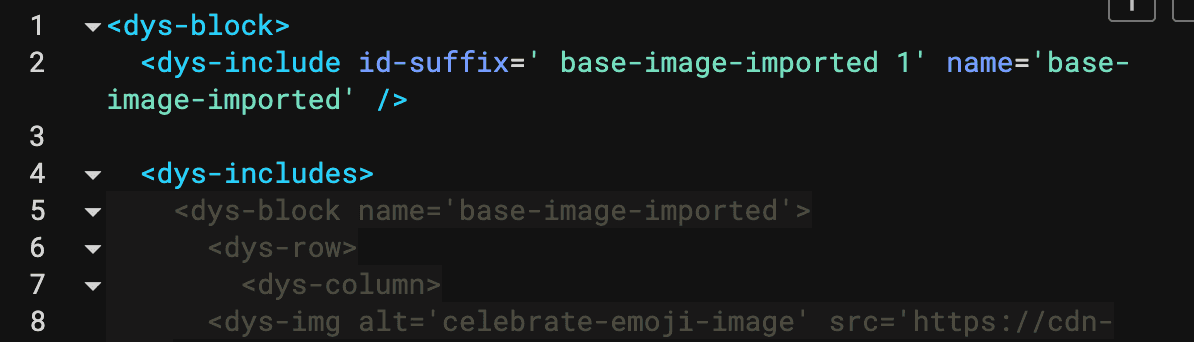
Block imports use two DML elements: <dys-includes>, where imported partials or blocks are declared, and <dys-include name="..." />, where you place them in your layout. The imported block's code is embedded as read-only content and stays in sync with the source block.
Importing a Block
Block Import Modal
In the block editor, click the Import Block button in the block toolbar. A modal appears where you can:
- Choose a block to import
- Import Nickname: Set a reference name for the import (this becomes the
nameattribute in<dys-includes>and the<dys-include>)
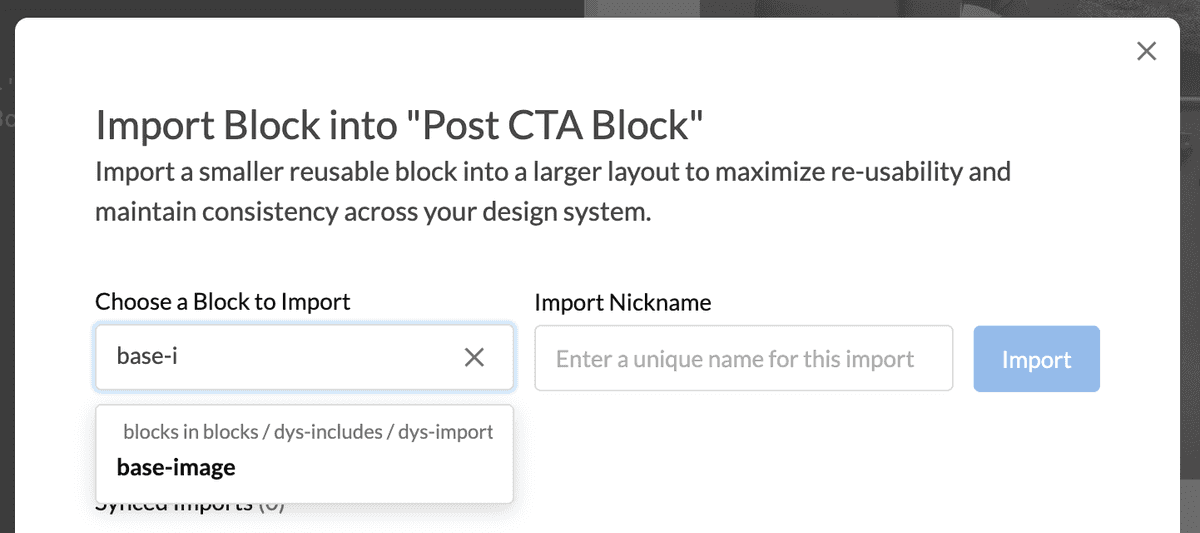
After confirming, Dyspatch auto-populates the <dys-includes> structure in your block and shows the imported block's code in a read-only view below the editor.
Updating Imported Blocks
When you update a block that is imported into another block, the changes propagate automatically to any blocks that import it, but templates using those blocks require further action to update.
Updating Receiving Block
A block that includes another block automatically pulls in updated content from the included block. This effectively acts as a new save on the receiving block.
Updating Template Using Receiving Block
To bring imported-block changes into templates that already use the receiving block, either update the block directly in the template or push the update from the block using Bulk Update.
Removing an Imported Block
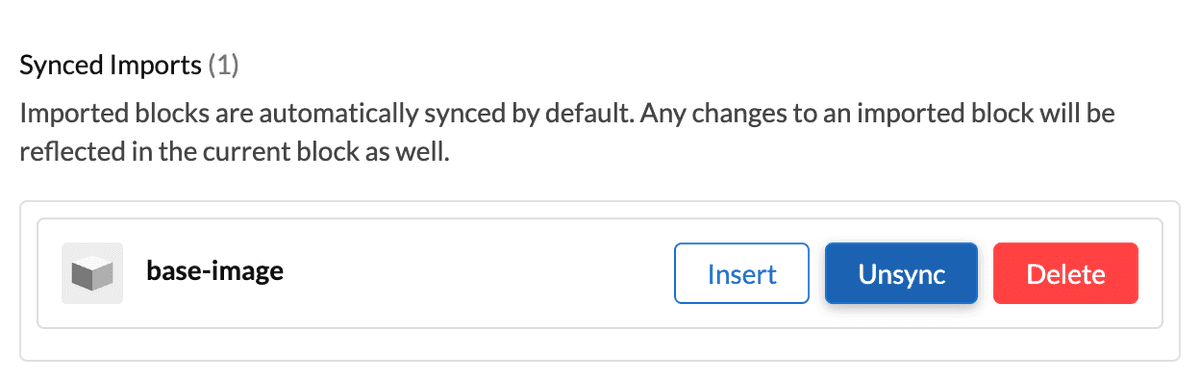
When you remove a block import, the Import Block modal gives you options to unsync or delete the block.
Unsync Block
The embedded content is unlocked and becomes regular editable code in the receiving block that you can modify manually.
Delete Block
This deletes the <dys-includes> embed and removes all <dys-include> references for that block from the code editor.
Notes
- Column stacking in
<dys-group>: Using<dys-include>inside a<dys-group>does not prevent columns from stacking on mobile in the same way as a native (non-imported) column. - Circular imports: Circular dependencies (Block A imports Block B, Block B imports Block A) are explicitly prevented.
- Quote characters: Quotes cannot be used in block import reference names.
- See our technical DML docs for Partials and Includes for more information.